⚡
Act in one click
Execute, reverse and bulk-close positions instantly — no digging through MetaTrader menus mid-move.

Great. Affordable. For everyone.
The full trade-management panel — advanced execution, risk control and market insight for traders who want more than the basics. Faster, easier trading while you stay informed.
From just $29
Prices may vary depending on the plan you choose and when you buy.
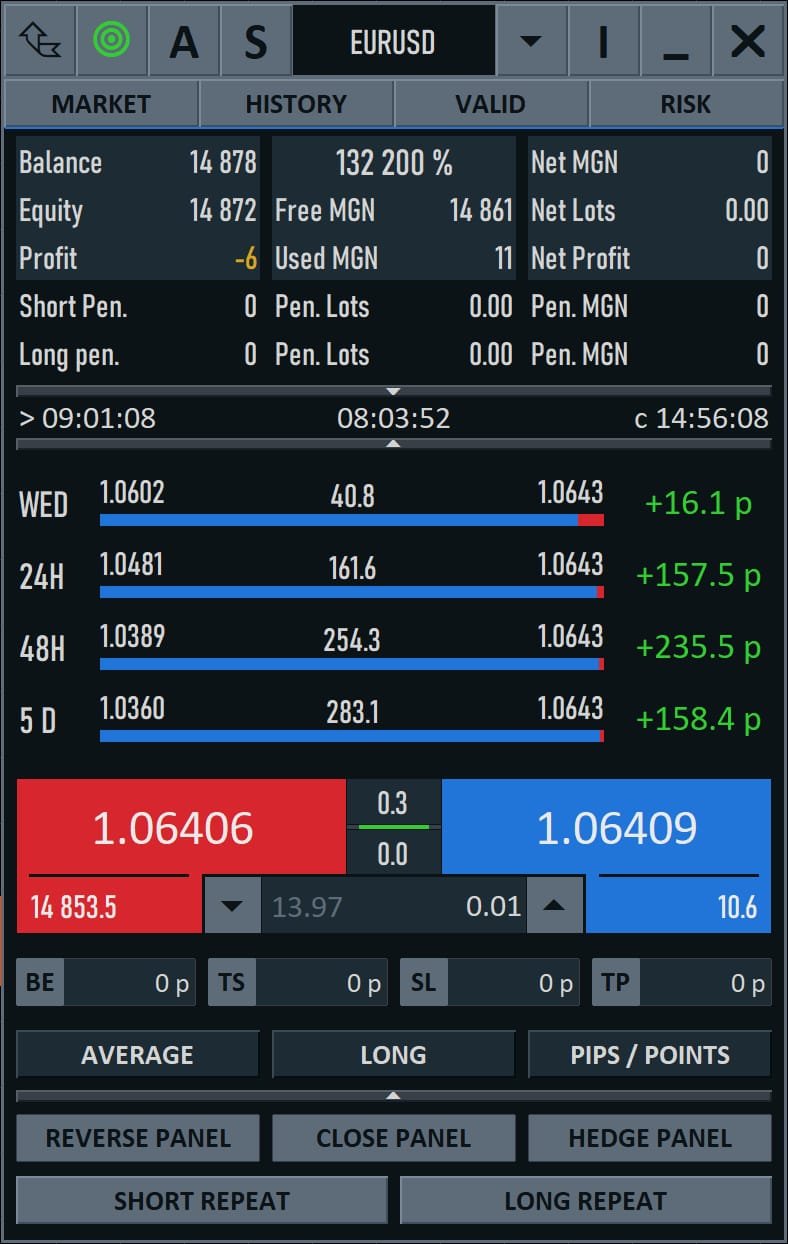
Execute, reverse and bulk-close positions instantly — no digging through MetaTrader menus mid-move.
Advanced risk control with Break Even, Trailing Stop and configurable TP/SL on every position.
Advanced market view, history and account info keep the context you need right in the panel.
*Hedge, reverse and grid availability can depend on your broker and account type.
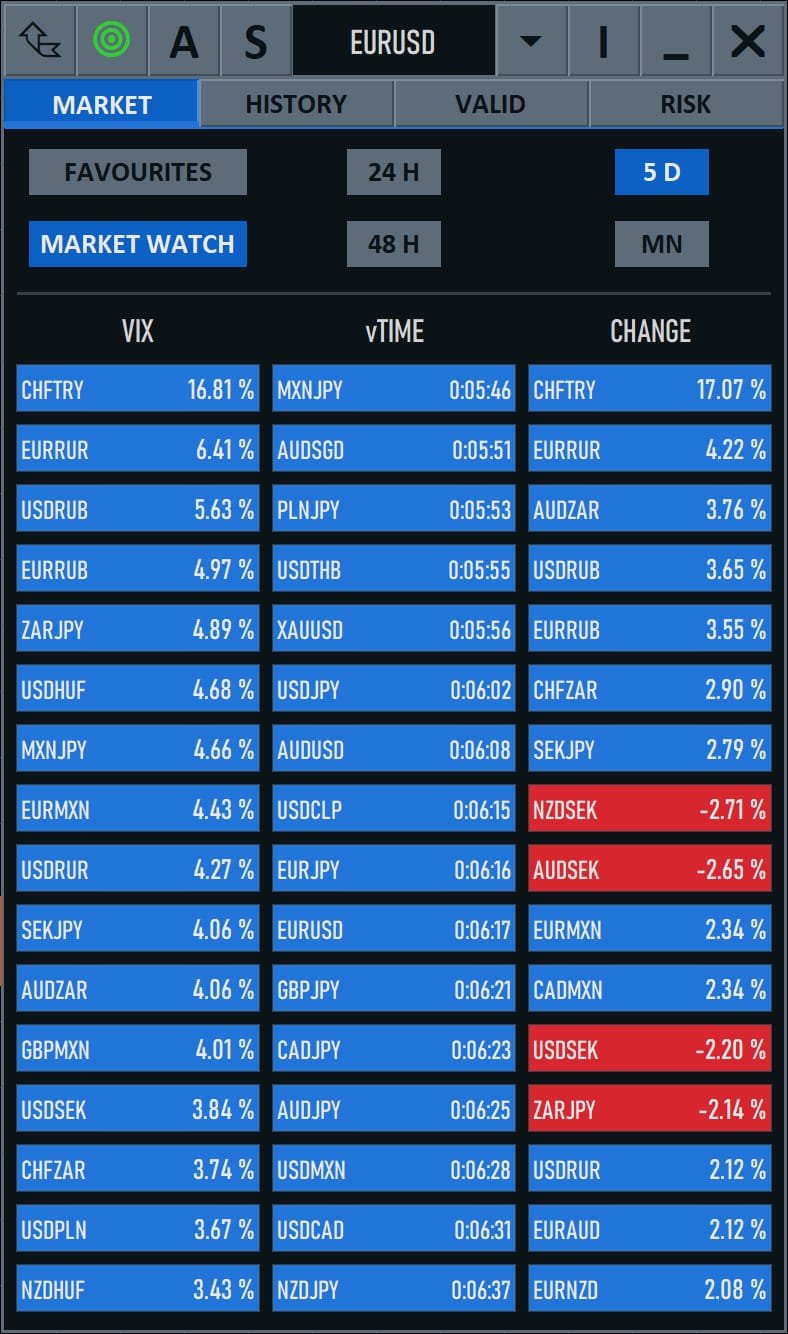
TradeCommand builds on TradePanel with a tabbed interface (Market, History, Valid, Risk) and full position analytics — manage every open and pending order, close in bulk, schedule actions, and reverse or hedge from one panel.
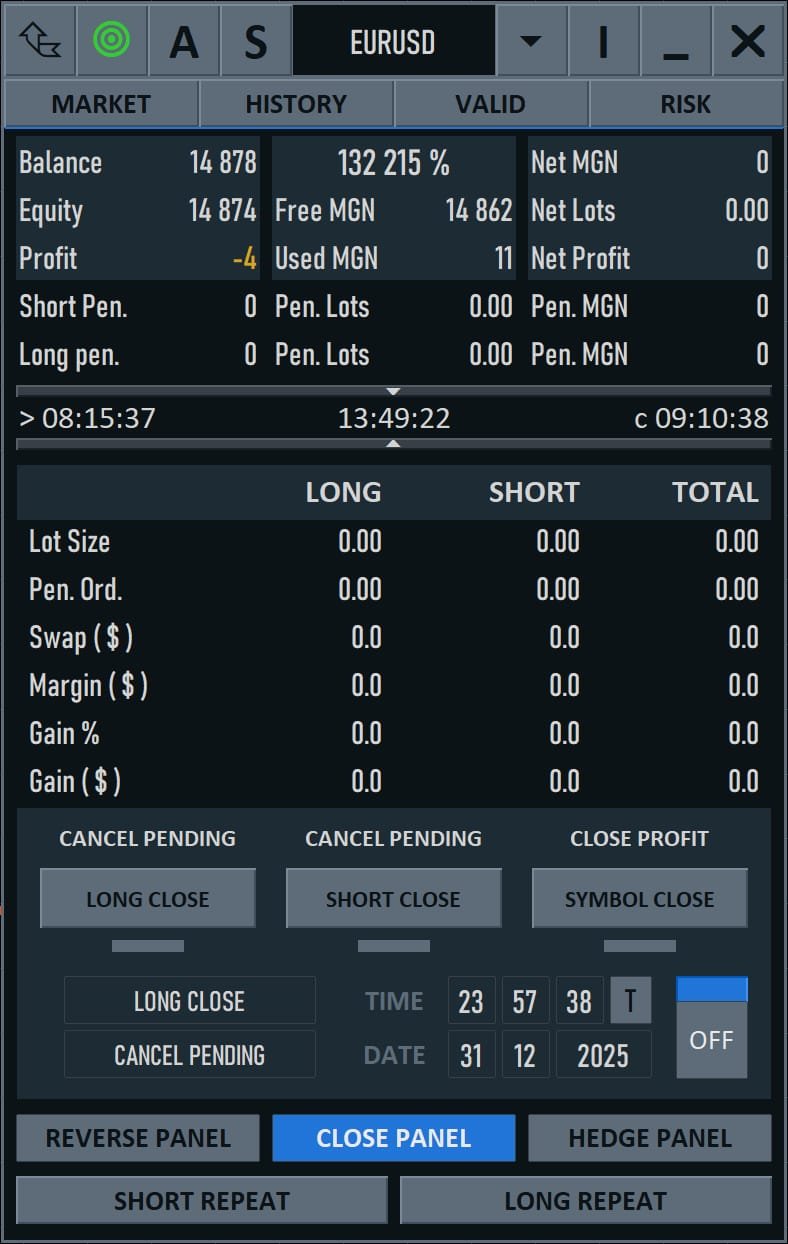
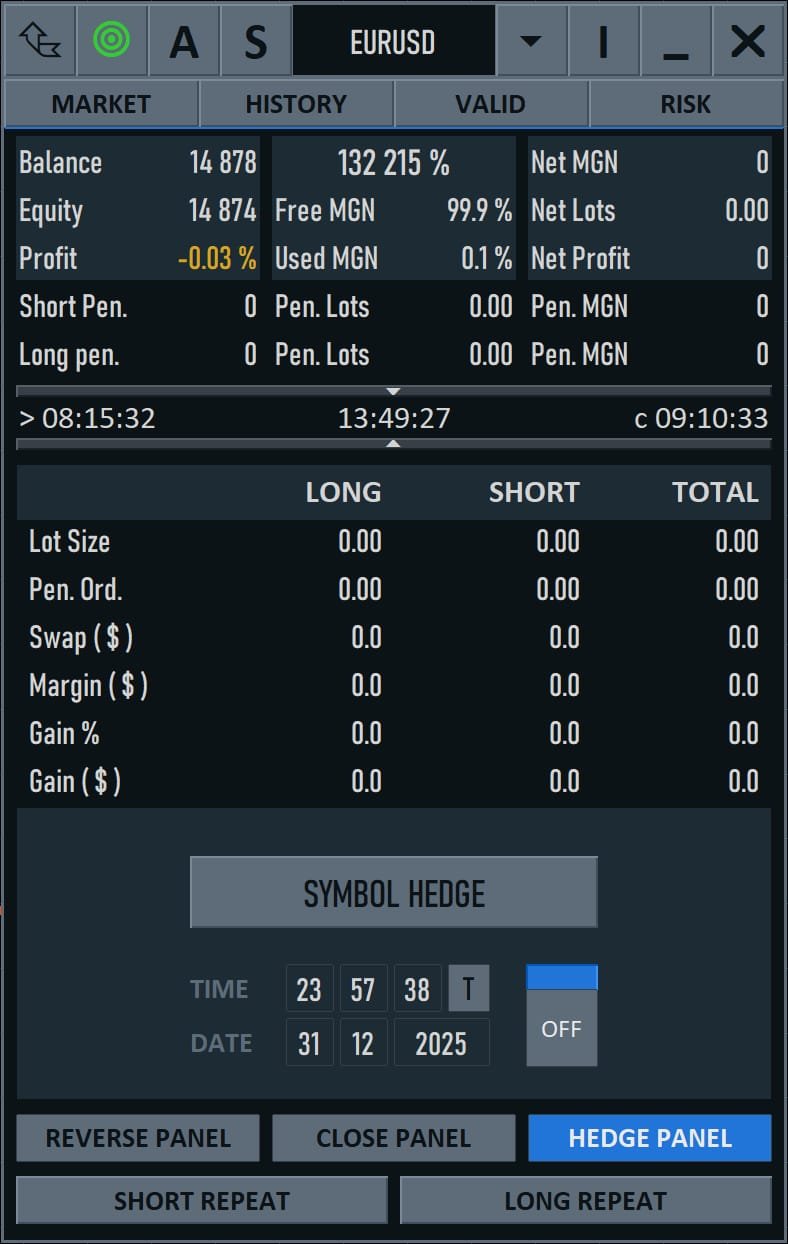
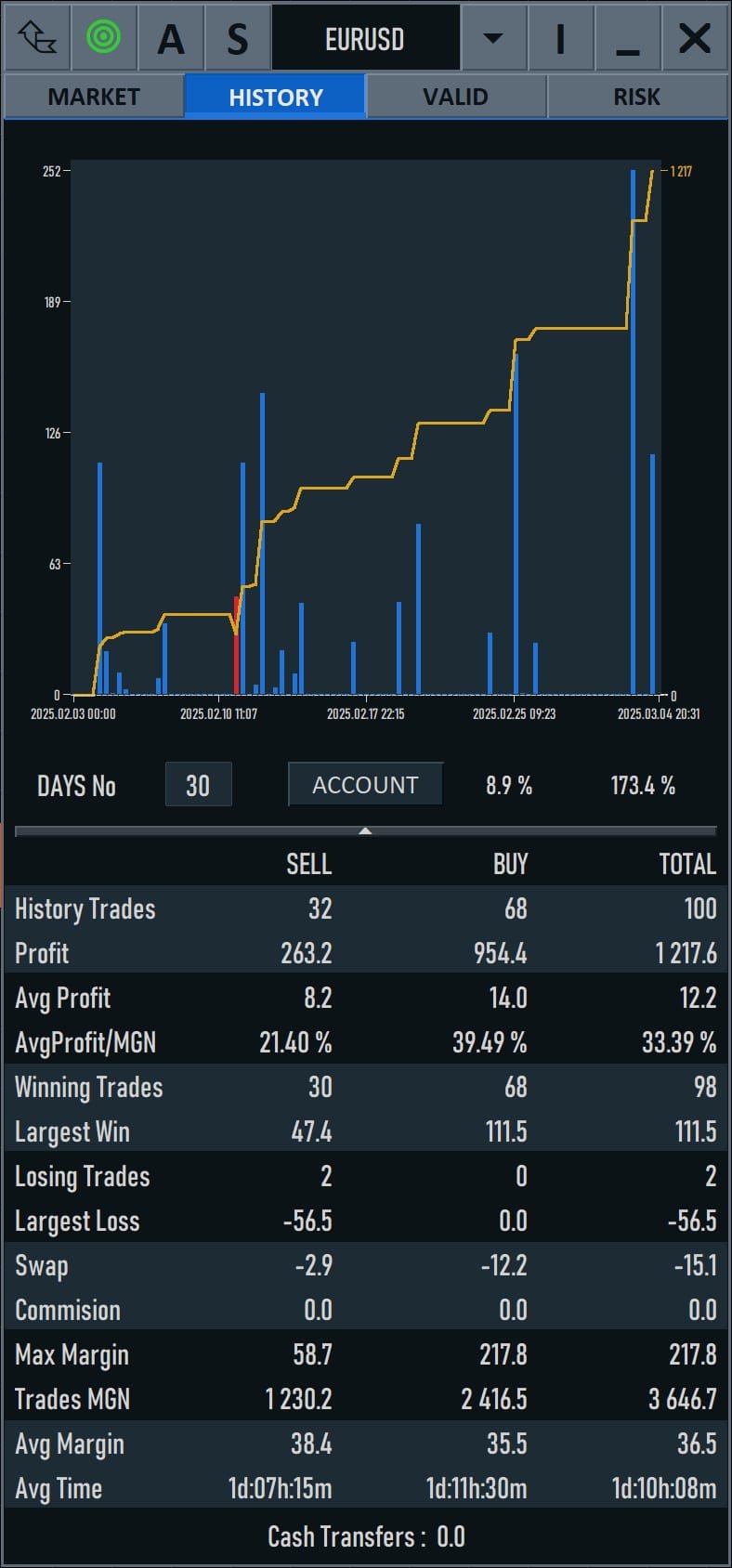
Choose a 1, 3 or 12-month plan. Support included.
TradeCommand works with MetaTrader 4 (MT4) and MetaTrader 5 (MT5).
You can choose a 1-month, 3-month or 12-month plan at checkout — the longer plans lower your effective monthly cost.
TradePanel is the simple everyday panel. TradeCommand adds an advanced interface, advanced risk control, hedge & reverse, advanced timers and history.
Yes — the TradePanel Demo runs free on a demo account so you can feel the workflow before subscribing.